Main points that can help with the choice of Laptops. What should the attention be paid to?
Choosing a laptop can seem like a daunting task, especially if you’re not familiar with technical specifications. In this article, we’ll break down the key factors to consider so you can pick the best device for your study or work needs.
1. Define Your Tasks
The first step is to understand what you’ll be using the laptop for. For example:
- For studying, you might need a device for working on documents, presentations, and browsing the web.
- For office work, you’ll need the same, but with a focus on project management and corporate apps.
- If your work involves graphic design, programming, or video editing, you’ll need a laptop with powerful specs to handle heavy software.
2. Choose the Right Processor
The processor is the "brain" of the laptop, and its power directly affects performance. Here’s a simple breakdown:
- Intel Core i3 or AMD Ryzen 3 — Sufficient for basic tasks like word processing and internet browsing.
- Intel Core i5 or AMD Ryzen 5 — Suitable for more complex tasks, such as photo editing or multitasking with multiple browser tabs.
- Intel Core i7 or AMD Ryzen 7 — Ideal for demanding applications like video editing, graphic design, or programming.
3. RAM (Memory)
RAM determines how many processes your laptop can handle at once. For smooth operation:
- 4 GB is enough for basic tasks (studying, web browsing).
- 8 GB is optimal for most work tasks and multitasking.
- 16 GB or more is recommended for professionals working with heavy software (3D modeling, video editing).
4. Storage: SSD or HDD?
There are two main types of storage: HDD and SSD.
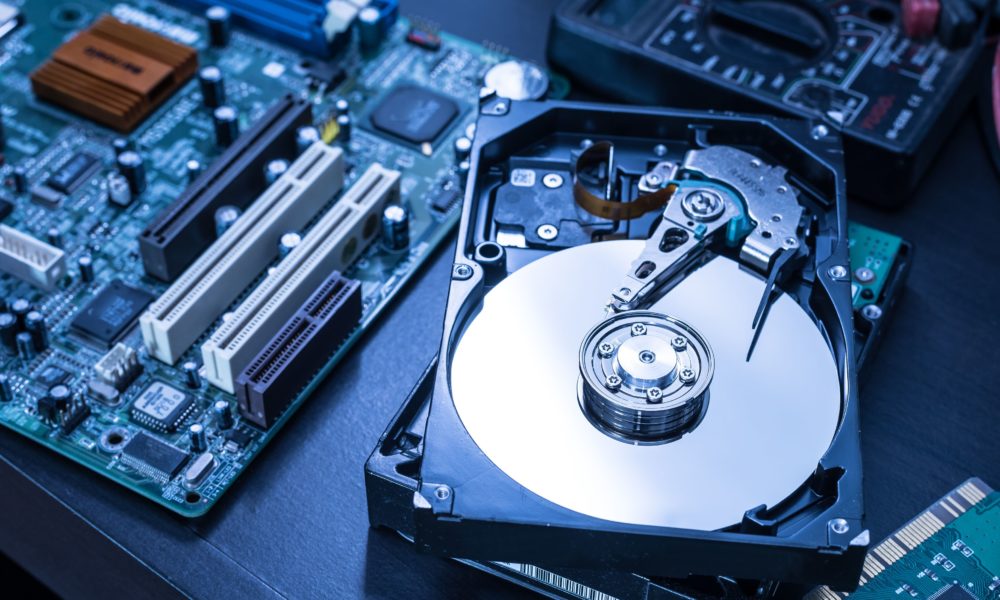
- HDD (Hard Disk Drive) — More affordable but slower. Good for storing large amounts of data.
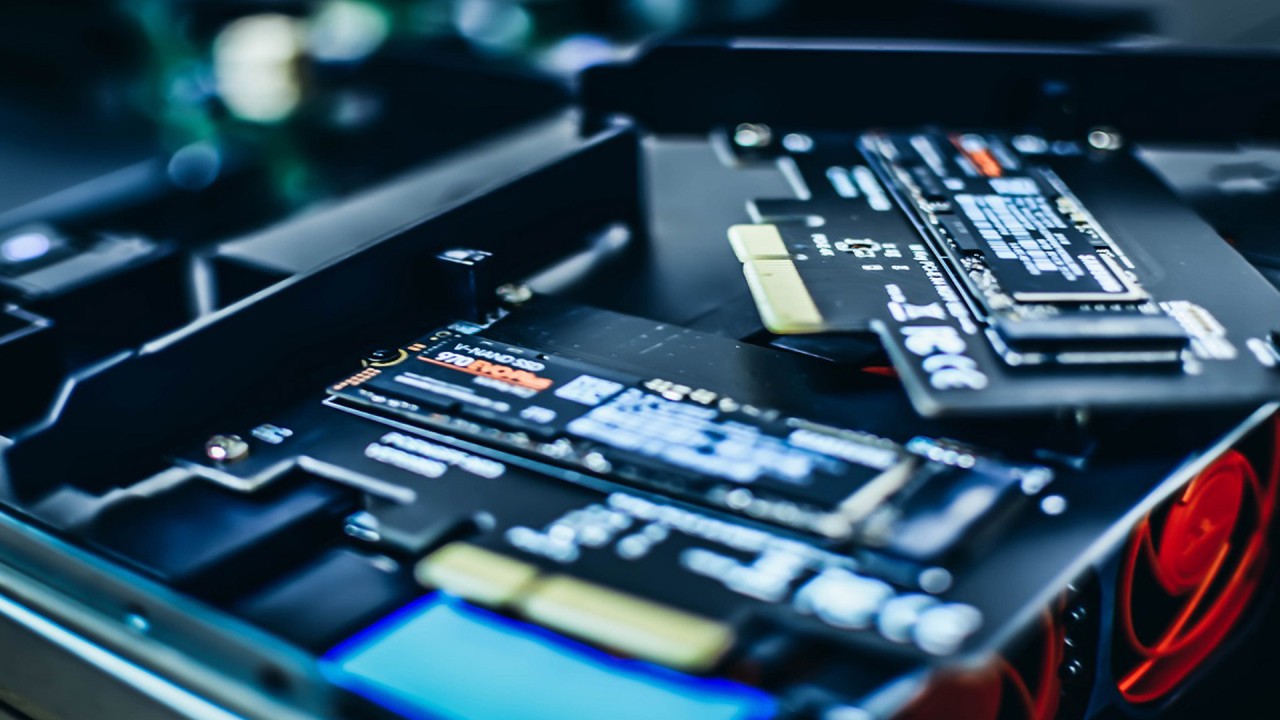
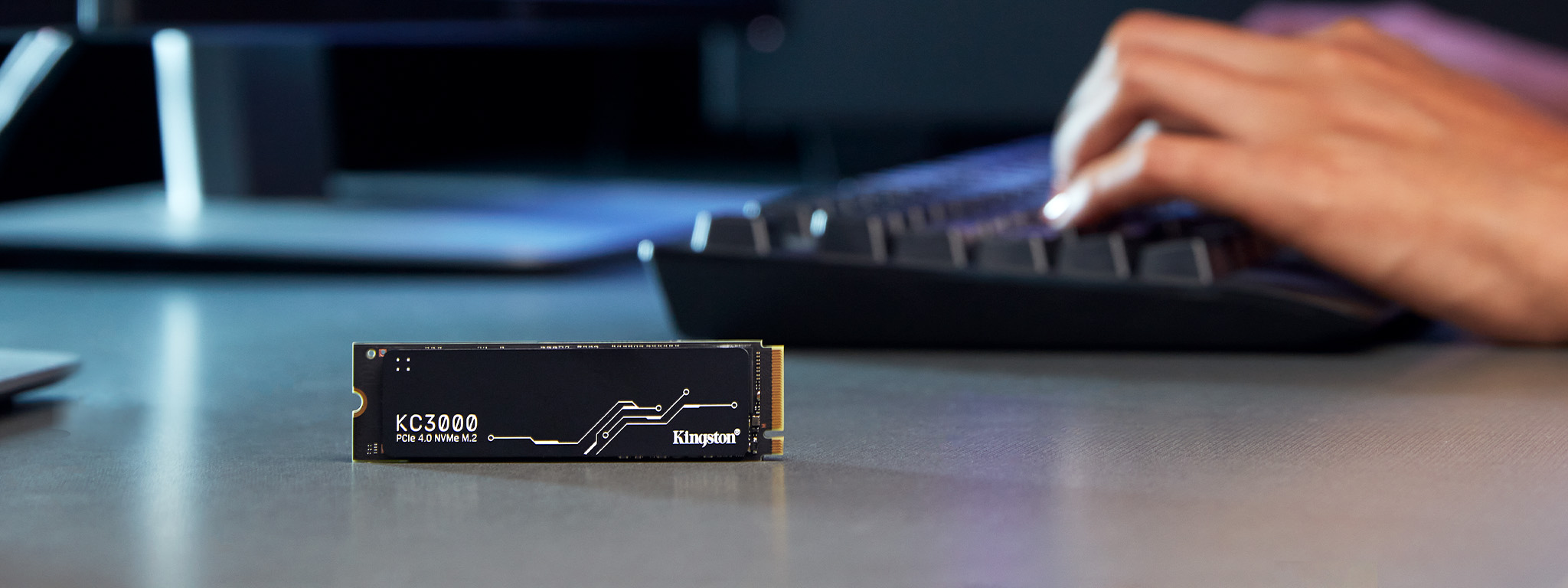
- SSD (Solid State Drive) — Faster but more expensive. It’s recommended for faster boot times and quicker software launches. For most users, a laptop with 256 GB or 512 GB SSD is ideal.
5. Display
The screen size and resolution play a big role in your comfort while working:
- 13-14 inches — Compact and portable. Ideal for students or people who work on the go.
- 15-17 inches — Larger screens, better suited for working with documents, spreadsheets, or graphics.
As for resolution, Full HD (1920x1080) is the standard for sharp, clear images.
6. Battery Life
Battery life is an essential factor, especially if you spend a lot of time away from home or the office. For study or work, aim for a laptop with at least 6-8 hours of battery life. If you plan to work away from power outlets often, consider models with 10-12 hours of battery life.
7. Ports and Connectivity
Make sure the laptop has the ports you need:
- USB 3.0 or 3.1 for fast data transfer.
- HDMI for connecting external monitors or projectors.
- Type-C — A modern, versatile port that supports charging and data transfer.
It’s also important to have Wi-Fi 5 or Wi-Fi 6 for fast internet access and Bluetooth for connecting peripherals.
8. Operating System
The most popular operating systems are Windows, macOS, and Chrome OS. The choice depends on the software and apps you need:
- Windows — A versatile system that supports a wide range of programs.
- macOS — Preferred by users in design, music, and video production.
- Chrome OS — A lightweight, simple system for basic tasks like browsing and working with documents.
9. Weight and Portability
If you plan to carry your laptop with you regularly, look for lightweight and compact models weighing up to 1.5 kg (3.3 lbs). If the laptop will mostly stay on your desk, this factor is less important.
We can refer to laptops for education and simple work: Acer Aspire 5, HP Pavilion 14
To perform office work and several tasks at once: ASUS VivoBook S14, HP Envy x360
For work with graphics and heavy programs: MSI Creator 15, Dell XPS 15.
Laptops that are light for daily transportation: MacBook Air (M1, 2020), ASUS ZenBook 13.
Choosing a laptop for study or work depends on your needs and budget. Identify the tasks you’ll be performing and choose a device that matches those requirements. Finding the right balance between performance, battery life, and portability will ensure that your laptop becomes a reliable and durable companion in your daily life.